
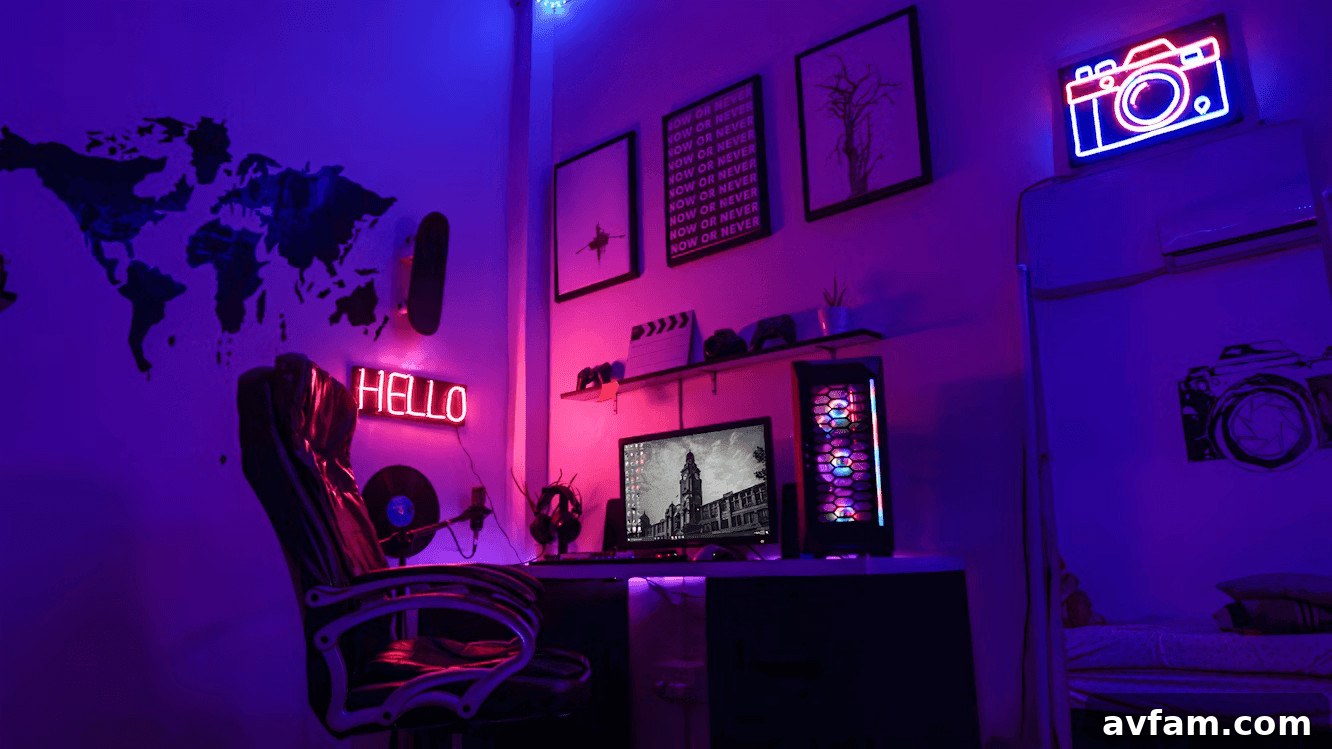
Looking to create the ideal gaming setup at home? Your setup plays a major role in the quality of your gaming sessions, so optimizing the environment, hardware, and layout will pay off in comfort, performance, and immersion. Concentrate on a few key areas—core equipment, ergonomics, connectivity and security, lighting, and cable management—to build a space that supports longer, more focused play and better in-game results. Below are practical tips to help you assemble a balanced, efficient gaming station.
Choose Your Core Equipment
Start with reliable core components tailored to the type of games you play. Whether you prefer a console or a purpose-built gaming PC, prioritize a fast processor, a capable graphics solution, and sufficient RAM. Pair that with a monitor that suits your needs—high refresh rate and low response time for competitive play, or higher resolution and color accuracy for immersion and streaming. A comfortable mechanical keyboard and a precision mouse (or a quality controller for console play) round out the essentials. Organize your desk so key items are within easy reach, which helps preserve focus and reduces interruptions during sessions.
Focus On Ergonomics
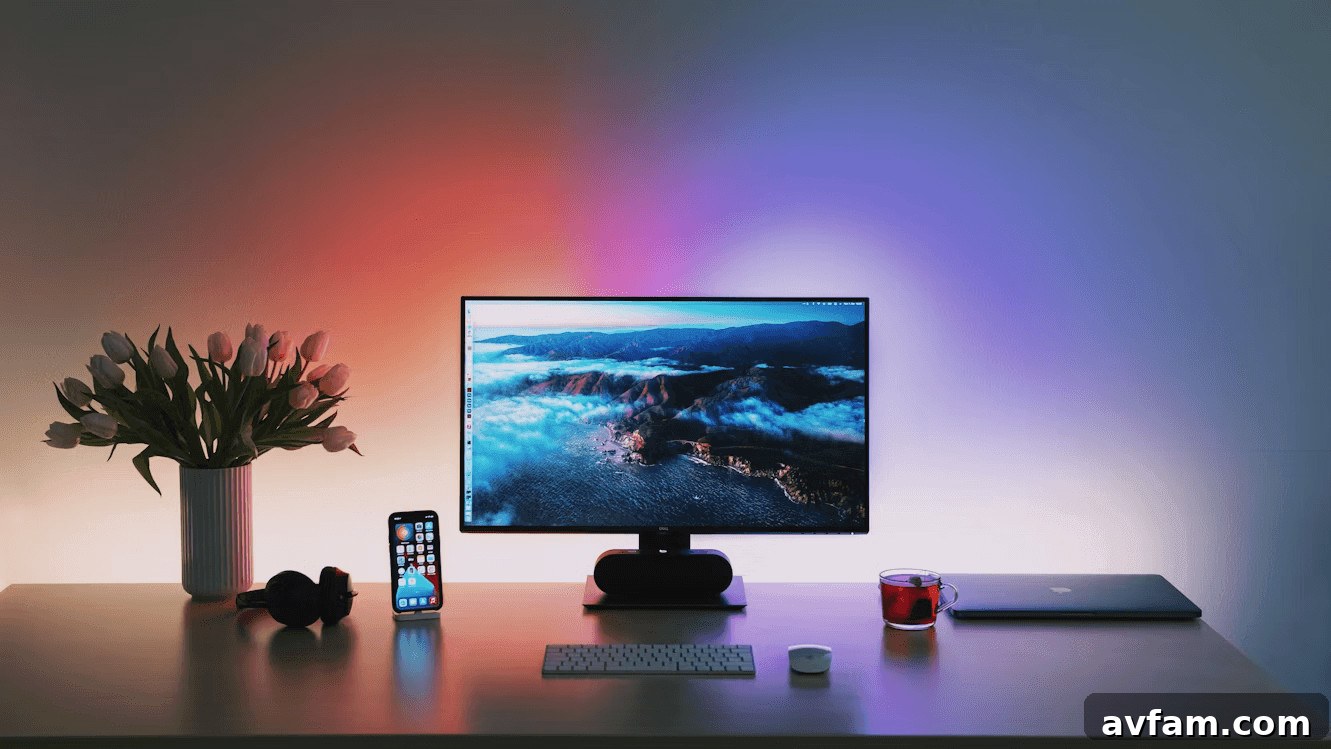
Gaming often involves long stretches of time in one position, so ergonomic choices are important for comfort and long-term health. Invest in an adjustable chair that supports your lower back, position your monitor so the top of the screen is at or slightly below eye level, and keep your elbows at roughly a 90-degree angle when using the keyboard and mouse. Small adjustments—like a wrist rest, a footrest, or a monitor arm—can reduce fatigue, minimize strain, and help you maintain consistent performance through extended play.
Improve Your Connection & Security
Online play depends on a stable, low-latency connection. Use high-speed internet and favor wired Ethernet whenever possible to reduce lag and packet loss. If a wired connection isn’t feasible, a high-quality Wi-Fi 6/6E router placed optimally in your space will help. Security is also essential: protect accounts and systems with strong, unique passwords, two-factor authentication, and up-to-date software. For additional privacy and to reduce regional issues with online services, consider using reputable privacy tools when appropriate to safeguard your data without sacrificing performance.
Consider Lighting & Cable Organization
Good lighting improves comfort and atmosphere. Balanced ambient lighting and bias lighting behind your monitor reduce eye strain and glare, while accent LEDs can enhance immersion without being distracting. Keep brightness and color temperature in mind to match your room and time of day. Equally important is cable management: tidy cables improve airflow, reduce dust buildup, and prevent trip hazards. Use cable channels, ties, and surge-protected power strips to keep cords organized and accessible while preserving a clean, professional look for your setup.
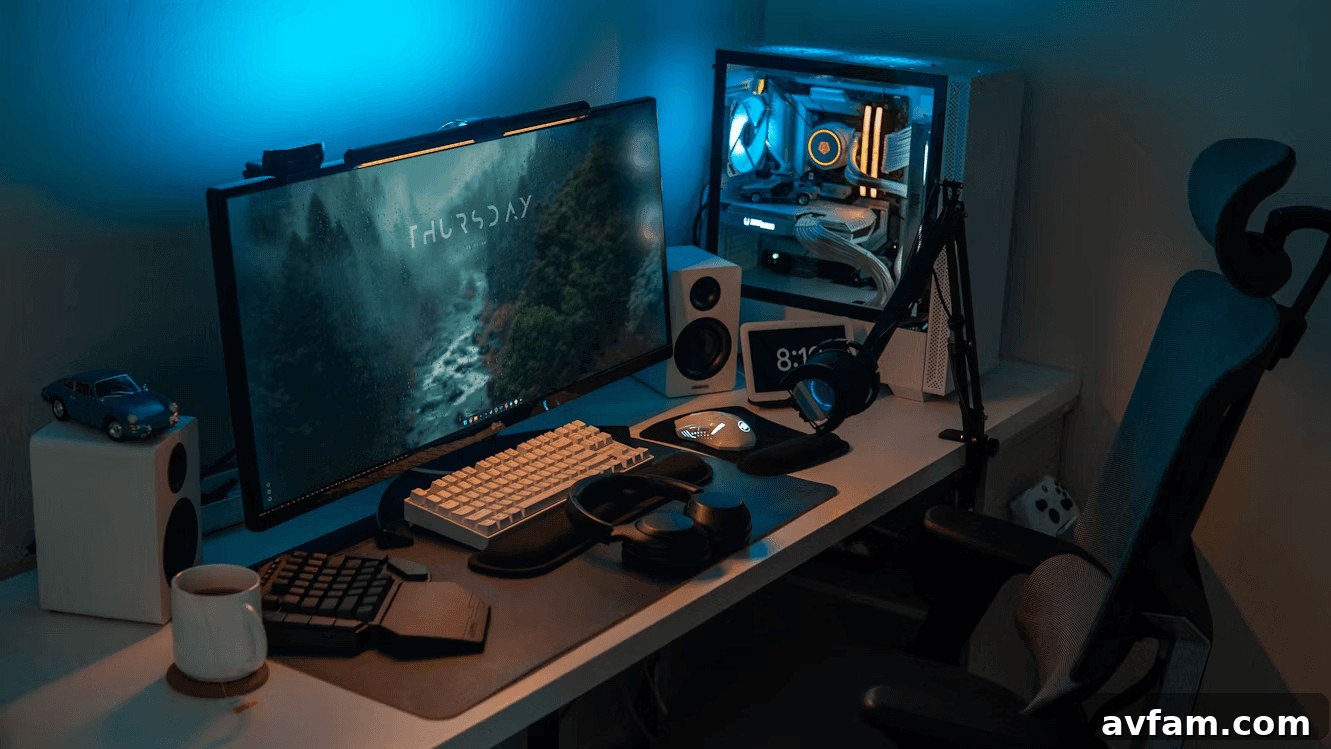
By addressing these core areas—equipment, ergonomics, connectivity and security, lighting, and cable management—you can create a gaming setup that enhances play, reduces distractions, and supports longer, more enjoyable sessions. Thoughtful choices and gradual upgrades will yield a comfortable, efficient space that feels tailored to how you like to play.