
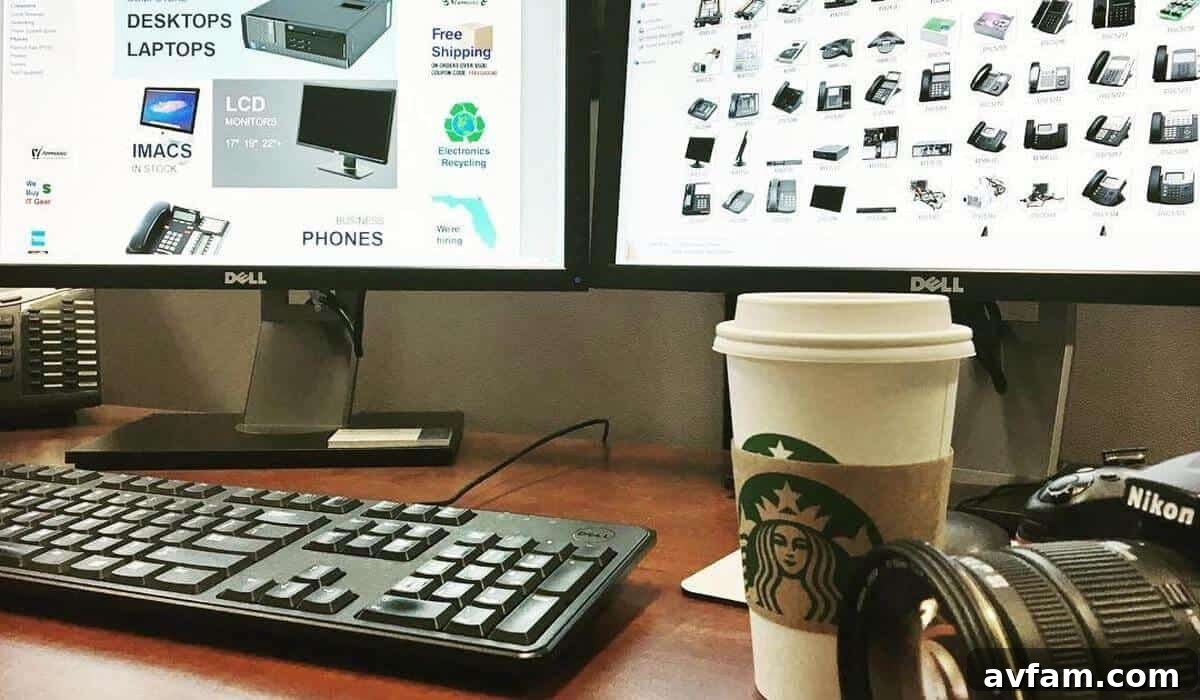
Transforming your home office into a high-performance productivity hub doesn’t demand extensive renovations or a corporate-sized budget. Often, the hurdles to peak efficiency aren’t rooted in a lack of expensive, cutting-edge hardware, but rather in easily overlooked factors like ergonomic strain, disorganized spaces, and suboptimal environmental conditions. These bottlenecks contribute to reduced focus, physical discomfort, and ultimately, diminished output.
By strategically implementing targeted, cost-effective adjustments, you can bridge the chasm between a makeshift workspace and a professional-grade environment. This intentional approach ensures your physical space actively supports sustained focus, enhanced well-being, and professional excellence. The goal isn’t just about aesthetics; it’s about making smart investments in tools and practices that deliver the highest return on investment for your health and workflow, without draining your finances.
Investing in thoughtful upgrades for your home office empowers you to work smarter, not harder. These improvements foster an environment where concentration thrives, creativity flows, and daily tasks are executed with greater ease and efficiency. Read on to discover how you can convert your current workspace into a powerhouse of productivity using these practical, budget-friendly strategies, setting the stage for unparalleled remote work success.
1. Optimize Your Command Center: Clear, Zone, and Conquer Clutter
The first step toward a high-performance home office is a thorough decluttering and strategic organization. Begin by adopting a “purge first, sort second” mentality. This means actively removing anything that doesn’t serve a direct purpose in your workspace. Recycle outdated paperwork that’s been accumulating for months, return stray coffee mugs to the kitchen, and critically evaluate your electronics. Any gadgets you haven’t touched since 2019 are likely candidates for donation or responsible disposal, freeing up valuable space and mental bandwidth.
As you clear the decks, assess the health of your core hardware. If your current machine constantly struggles with basic tasks, identifying the need for PCLiquidations’ affordable refurbished desktop computers now can prevent significant frustration and productivity losses later. Once cleared, the next crucial step is to create distinct zones to maintain lasting order and reduce visual noise, which directly competes with your brain’s processing power.
Designate a primary work surface exclusively for your essential input devices—your keyboard, mouse, and perhaps a notepad. This area should remain immaculate, free from anything that could distract your eye or hinder your movement. Establish a peripheral shelf or cabinet for items like printers, external hard drives, or speakers, keeping them off your main desk to maximize usable space. Finally, set up a dedicated drop tray or small container for personal items such as keys, wallets, or charging phones. This simple habit prevents random clutter accumulation and ensures that your desk remains a sanctuary for focused work, immediately elevating your concentration levels.
2. Illuminate Your Potential: The Power of Better Lighting
Effective lighting is a cornerstone of a comfortable and productive home office. Harsh overhead fixtures, common in many homes, often create glare on screens and lead to eye strain, headaches, and overall visual fatigue. Instead, aim for a layered lighting approach, with a focus on task lighting that provides approximately 500 lux at your work surface.
Invest in an adjustable desk lamp equipped with an LED bulb. Modern LED technology offers excellent color accuracy, which is vital for design work or reading, and significantly reduces visual fatigue compared to older incandescent or fluorescent options. The adjustability allows you to direct light precisely where it’s needed, minimizing shadows and maximizing clarity.
To further reduce contrast strain and create a more comfortable viewing experience, consider adding bias lighting behind your monitors. This can be achieved with an inexpensive LED strip applied to the back of your display. The soft glow emitted balances the brightness of your screen with the surrounding environment, making it easier on your eyes, especially during long sessions. Remember that color temperature plays a significant role in your alertness and comfort: warmer light (around 2700K-3000K) is conducive to evening tasks and relaxation, while cooler light (4000K-5000K) helps maintain alertness and focus during daytime work hours. Integrate natural light where possible, positioning your desk to avoid direct glare but harness the mood-boosting benefits of sunlight.
3. Conquer the Cable Kraken: Streamlined Connectivity
A tangled mess of cables isn’t just an eyesore; it’s a hazard for tripped circuits, a magnet for dust, and a constant source of frustration when you need to troubleshoot or rearrange your setup. Taming the “cable kraken” is a vital step for both safety and aesthetics in your home office.
Start by unplugging everything. As you do, take a moment to label each cord. A small piece of masking tape and a marker can save you immense time and headache in the future, allowing “future you” to effortlessly identify which cable belongs to which device. Once labeled, begin bundling cables together using Velcro ties. These are reusable, adjustable, and much kinder to your cables than zip ties. Group cables by function (e.g., monitor cables, power cords, USB peripherals) to further simplify your setup.
For a truly clean look, snake bundled cables through under-desk raceways or cable management sleeves. These inexpensive solutions hide unsightly wires and protect them from damage. Anchor power strips to the underside of your desk or to a wall using removable command strips or screw mounts. This keeps them off the floor, preventing dust accumulation and making them easily accessible. For safety, always ensure surge protectors are kept off carpeting, which can trap heat, and absolutely avoid “daisy-chaining” extension cords, as this poses a serious fire risk. Don’t forget to snap “before and after” photos of your cable management victory – it’s a surprisingly satisfying transformation!
4. Dial In Ergonomics for All-Day Comfort and Long-Term Health
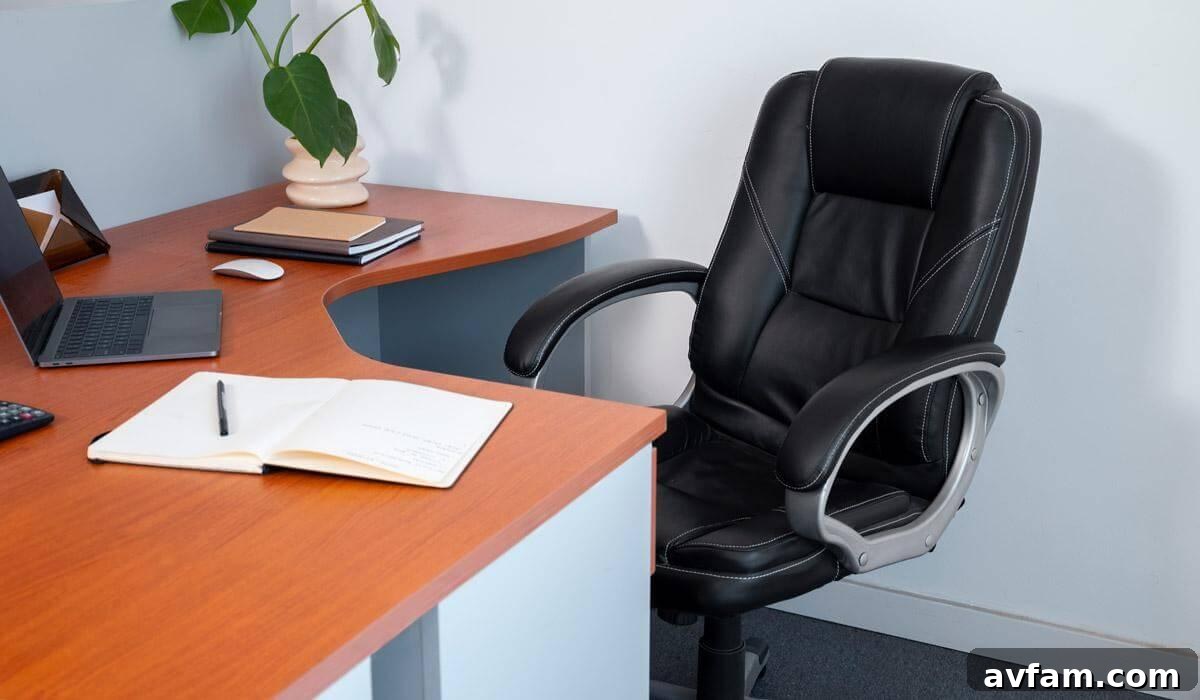
Proper ergonomics aren’t a luxury; they are an essential investment in your long-term health, focus, and productivity. An improperly set up workstation can lead to chronic pain, repetitive strain injuries (RSIs), and significant dips in concentration. Adjusting your office chair is the foundational step: ensure your feet plant flat on the floor (use a footrest if necessary), and your elbows rest at a comfortable 90-degree angle when typing. If your chair lacks adequate lumbar support, a supportive lumbar pillow can make a world of difference, preventing slouching and back pain.
According to research available on NCBI, applying proper ergonomic interventions resulted in a significant reduction in discomfort, with the largest percentage reduction observed for the neck region (‑42.2%), followed by the left upper limb (‑29.6%). This underscores the profound impact of even minor adjustments. For laptop users, a common mistake is hunching over the screen. A laptop stand paired with an external keyboard and mouse is crucial for correcting viewing angles, elevating your screen to eye level, and saving your neck and shoulders from debilitating strain.
Your monitor should be positioned so the top of the screen is at or slightly below eye level, approximately an arm’s length away. This minimizes neck extension and strain. Your keyboard and mouse should be close to your body to avoid overreaching. Consider a vertical mouse or an ergonomic keyboard if you experience wrist discomfort. Beyond equipment, remember to take frequent micro-breaks, stretching and moving around for a few minutes every hour. Incorporating these ergonomic principles into your daily routine is paramount for sustained comfort, preventing injuries, and maintaining peak cognitive function throughout your workday.
| Key Insight: Visual clutter and poor lighting aren’t just aesthetic issues; they directly impact cognitive load. By clearing your physical space and optimizing light, you are literally freeing up brainpower for deep work and creative problem-solving. These fundamental changes lay the groundwork for a truly productive environment. |
5. Expand Your Visual Workspace: The Advantage of Multiple Displays
For many remote professionals, especially those engaged in data analysis, graphic design, programming, or extensive document comparison, a single monitor can feel restrictive. Expanding your visual workspace with dual monitors can dramatically boost task efficiency and productivity. A compelling study from the University of Utah revealed that using a widescreen monitor increased productivity by a remarkable 52% over a single monitor, illustrating the immense benefits of additional screen real estate.
Before rushing to purchase, first measure your desk depth. You’ll need roughly 20-30 inches of clearance for proper viewing distance, ensuring comfort and reducing eye strain. Fortunately, achieving a multi-monitor setup doesn’t have to be expensive. You have several budget-friendly options:
- Refurbished or Second-Hand Monitors: Check local classifieds, online marketplaces, or reputable refurbished electronics dealers for quality used monitors. You can often find excellent deals on displays that perfectly complement your existing screen.
- Portable USB-C Displays: For tight spaces or professionals who travel frequently, a portable 15-inch USB-C display offers a convenient, compact second screen that draws power directly from your laptop.
- Utilize an Older TV: If you have a spare TV with an HDMI input, it can serve as an effective, large secondary monitor for less detail-intensive tasks or for displaying dashboards and communication apps.
Additionally, a single or dual monitor arm can revolutionize your desk space. These arms clamp to your desk and allow you to lift, tilt, swivel, and rotate your screens, freeing up valuable desktop real estate and enabling precise ergonomic positioning. This flexibility makes it easier to switch between landscape and portrait modes, catering to different workflow needs. By strategically expanding your visual workspace, you can streamline multitasking, improve data comparison, and immerse yourself more fully in complex projects.
6. Boost Computing Power Without Blowing Your Budget
Nothing grinds productivity to a halt faster than a computer that lags, freezes, or struggles with basic tasks. If your browser tabs constantly crash, video calls stutter, or applications load at a snail’s pace, these are clear indicators that you’re likely bottlenecked by an outdated processor or insufficient RAM. While the instinct might be to buy a brand-new, expensive machine, there’s a smarter, more economical path to robust performance.
Many savvy remote professionals and businesses increasingly turn to vetted business-class refurbished towers. These machines, often off-lease corporate equipment, are thoroughly tested, cleaned, and upgraded by reputable vendors like PCLiquidations. They offer modern workflow speeds, reliability, and powerful specifications at a fraction of the cost of new retail models. This strategy not only saves money but also contributes to environmental sustainability by extending the lifecycle of quality electronics.
When evaluating refurbished computers, look for a “sweet spot” in specifications that will handle today’s demanding software. Aim for at least a Quad-core Intel Core i5 or i7 processor (8th generation or newer is ideal) and a minimum of 16 GB of RAM. An SSD (Solid State Drive) is also non-negotiable for snappy boot times and application loading; ensure the machine has one or budget for an upgrade. These specifications will provide ample power for multitasking, video conferencing, document editing, and even light creative work, ensuring your computing power keeps pace with your ambition without breaking the bank.
7. Strengthen Connectivity & Storage for Digital Resilience
Your digital infrastructure is just as critical as your physical setup for a seamless home office experience. A slow or unreliable internet connection can be a major productivity drain. If your router predates Wi-Fi 5 (802.11ac), an upgrade to a Wi-Fi 6 (802.11ax) or even Wi-Fi 6E router can significantly improve speeds, reduce latency, and handle multiple devices more efficiently, especially in bandwidth-heavy scenarios like video conferencing or large file transfers.
Beyond speed, security is paramount when working with sensitive client files or personal data from home. Essential security tools like a robust password manager are non-negotiable for creating and storing unique, strong passwords for all your online accounts. A Virtual Private Network (VPN) is equally critical, especially if you regularly access public Wi-Fi or handle sensitive information, as it encrypts your internet traffic, protecting your data from prying eyes.
For data safety and redundancy, implement a solid backup strategy. Pairing an external SSD (Solid State Drive) with a cloud synchronization service (like Google Drive, Dropbox, or OneDrive) creates a powerful two-pronged approach. The external SSD provides a fast, local backup copy, while cloud sync ensures an offsite, accessible copy that protects against local hardware failures, theft, or disaster. Finally, combat the “dongle snowball” effect by investing in a multi-port hub. A single USB-C hub can consolidate connections for USB-A peripherals, HDMI displays, Ethernet, and even power delivery, simplifying your setup and reducing cable clutter on your desk.
8. Layer In Personal & Wellness Touches for a Balanced Space
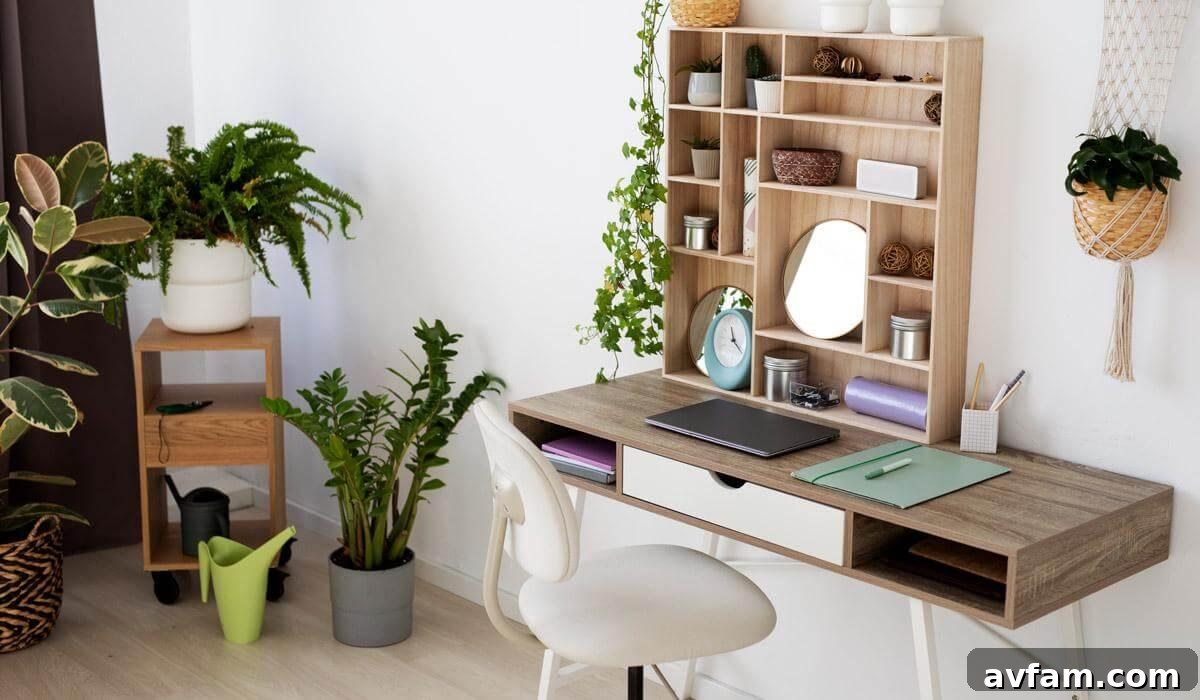
Once the foundational elements of organization, ergonomics, lighting, and technology are in place, the final step is to infuse your workspace with elements that nurture your well-being and mental state. A highly functional office should also be an inspiring and comfortable space, reflecting your personality and supporting your health.
Introduce an air-purifying plant, such as a snake plant, ZZ plant, or a low-maintenance succulent. Not only do these plants enhance the aesthetic appeal of your room, but they also contribute to improved air quality and have been shown to boost mood and reduce stress. Greenery can create a calming atmosphere, making your workspace feel more inviting and less sterile.
For quick brainstorming sessions, task management, or simply jotting down urgent ideas without adding paper clutter to your pristine desk, install a small whiteboard, a cork strip, or a magnetic memo board. These visual aids keep important notes and reminders easily accessible and can spark creativity. Position it within easy reach but slightly outside your direct line of sight to avoid constant distraction.
Finally, curate your auditory environment. Set up a compact Bluetooth speaker for background music that enhances concentration. Studies suggest that certain types of music, such as instrumental, classical, lofi beats, or ambient sounds, can improve focus and cognitive performance while masking distracting external noises. Experiment with different genres to find what works best for your workflow. Consider also integrating subtle aromatherapy with a diffuser and essential oils known for their uplifting or calming properties, such as peppermint for focus or lavender for stress relief. These personal touches transform your office from a mere workstation into a sanctuary of productivity and well-being.
Your Next Steps: Building a Productive Home Office
The journey to a high-performance home office doesn’t require an immediate overhaul. By tackling these practical, budget-friendly strategies one by one, you can, in just one weekend or a series of focused efforts, swap that cluttered, slow-motion workspace for an environment that actively supports deep work, sustained focus, and elevated output. Investing time and thought into optimizing your workspace pays significant dividends in your overall health, mental clarity, and professional achievements. Start small, be consistent, and watch your productivity soar in your newly transformed home office.
| Author Profile: PCLiquidations is the leading online retailer of quality refurbished technology for businesses, schools, government organizations, and home users, committed to providing reliable and affordable solutions. |