

Most construction companies already use accounting software. The real challenge is not bookkeeping itself but reliably getting accurate field data into that software without retyping it.
Many expense management tools address only one half of the problem: they handle vendor invoices and receipts well, but they don’t capture or route field labor hours correctly. Labor hours must reach accounting tagged with the correct job and cost code; when they don’t, cost reports are inaccurate and future bids built from those reports are flawed.
Generic expense apps were designed for office workflows, not for crews punching in across multiple jobsites. That mismatch often only becomes obvious after a project runs over budget.
This article reviews eight tools that together cover both sides of construction expense and profit management: labor capture and allocation, and material and vendor expense capture and automation.
Top Tools for Construction Expense and Profit Management at a glance
| Tool | Cost Code Allocation | Accounting Sync | Mobile Capture | Best For | Starting Price |
| Workyard | Auto-allocated at clock-in. | Direct sync, no re-entry. | GPS clock-in from jobsite. | GPS-verified labor hours and job costing | $6/user/mo + $50 base fee |
| Dext | Feeds the general ledger, not job cost codes | QuickBooks, Xero, Sage | Photo capture at point of purchase | Material receipts and subcontractor documents | $31.50/mo (5 users, 250 docs) |
| Miter | Job and cost code level. | NetSuite, Acumatica, Sage Intacct, QuickBooks | Mobile time entry | Integrated construction payroll and job costing | $15/user/mo |
| Buildertrend | Within job budgets. | Two-way, QuickBooks Online and Desktop | Mobile app, no GPS clock-in | Small GC budget tracking within PM | Quote-based (volume pricing) |
| Bill | No native job costing | QuickBooks, Xero, NetSuite, Sage Intacct, Microsoft Dynamics | No. Back-office only. | AP automation and vendor payments | $49/user/mo |
| Emburse | Project tagging only, not job cost coding | QuickBooks, NetSuite, Sage Intacct | Mobile receipt capture | Employee reimbursements and receipt capture | Quote-based |
| Autodesk Construction Cloud | Yes, project budget structure. | Sage, Viewpoint, JD Edwards | Mobile app available; cost management is PM-facing | Large GC project-level cost control | Quote-based |
| Beam | By project and cost code at point of purchase | QuickBooks Online only | Beam Card with receipt capture | Residential builders and trade contractors | Free (Core) / $250/month (Plus) |
Workyard: Best for Construction GPS Time Tracking
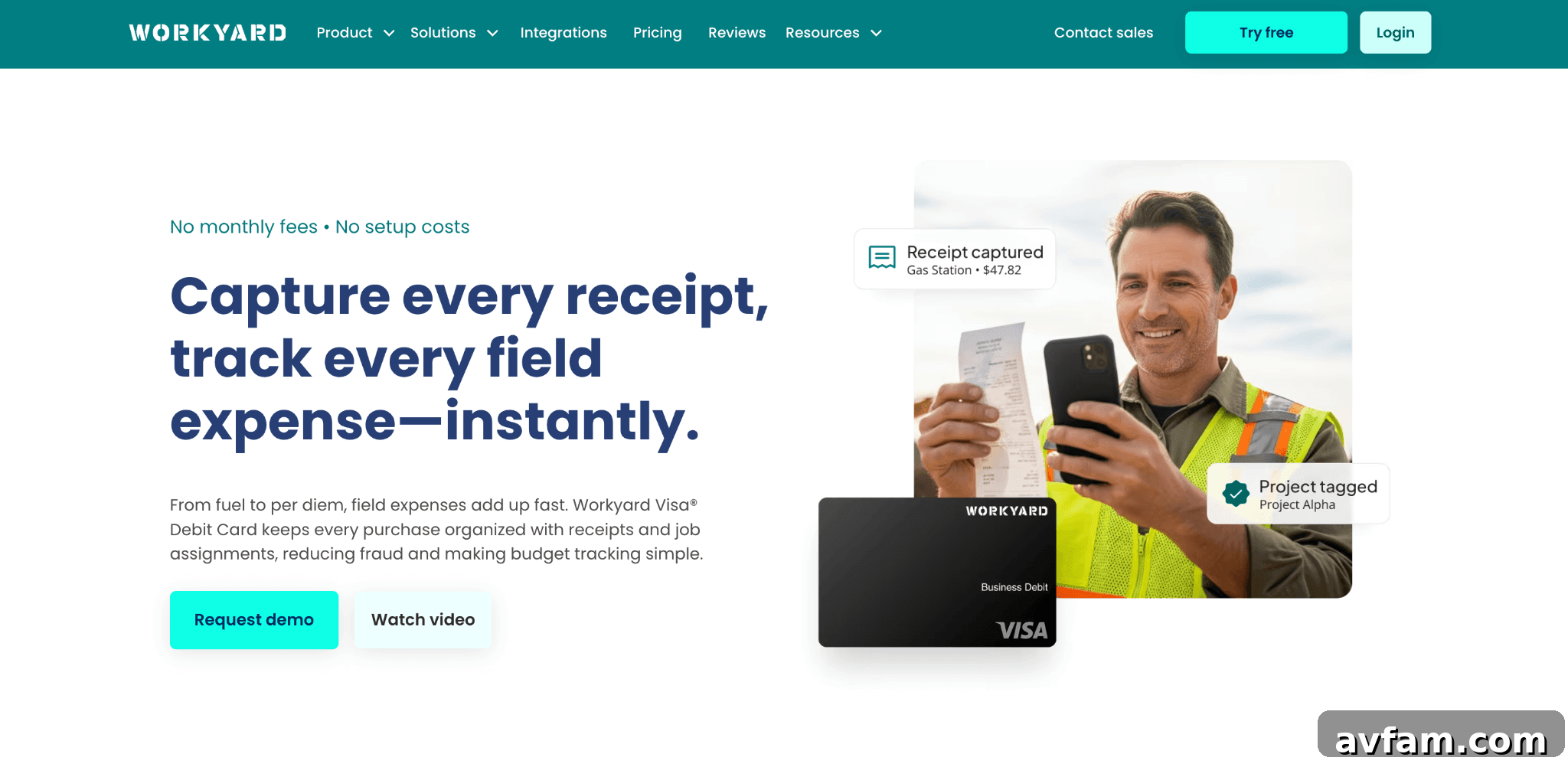
Workyard is a GPS time tracking platform built for contractors. Workers clock in from their phones; GPS verifies location and assigns hours to the correct job and cost code automatically.
Workyard syncs with QuickBooks, Sage, Foundation, and ComputerEase, delivering hours into accounting systems without manual re-entry. While many tools handle receipts, Workyard focuses on the labor side—capturing the field hours that drive most job-cost errors.
Key features
- Cost code automation: Rules at clock-in map workers to job numbers and phases automatically.
- Travel and on-site separation: Drive time and on-site labor can be tracked as different cost codes for T&M jobs.
- Supervisor dashboard: Real-time crew location and clock-in status across active sites.
Pricing
Plans start at $6/user/month with a $50 flat fee; a Pro tier is available at $13/user/month. Both include a 14-day free trial.
Pros and cons
Pros
- GPS-verified clock-ins with automatic cost code allocation
- Direct sync to accounting systems without double-entry
- Separate tracking for travel time on T&M jobs
Cons
- Focuses on time capture only; full accounting stays in your existing system
- Payroll and vendor invoice processing remain handled by downstream tools
Workyard suits contractors who need reliable, GPS-verified labor hours feeding their accounting system without manual re-entry.
Dext: Best for Capturing Material Receipts and Subcontractor Documents
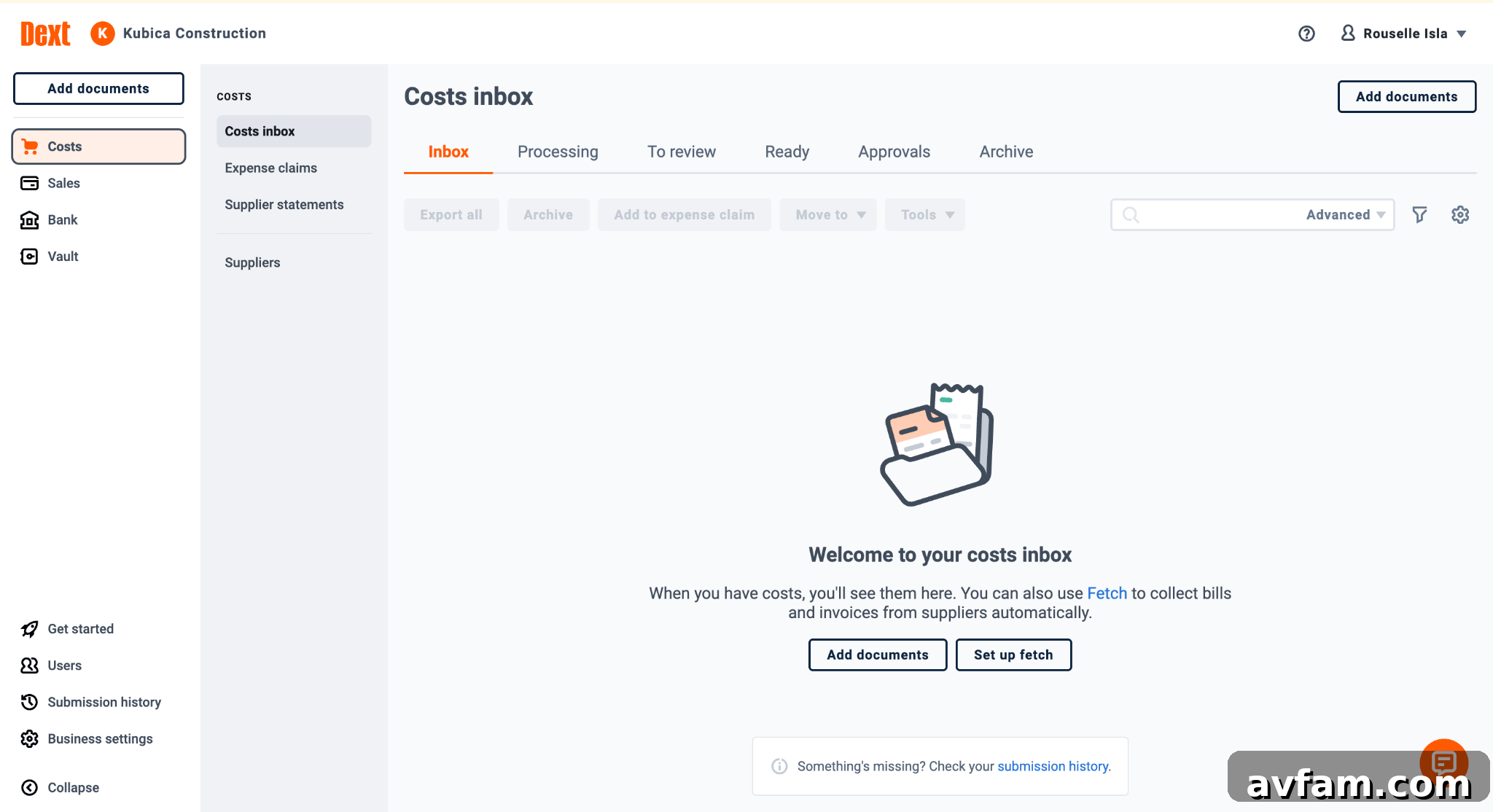
Dext solves receipt capture for field material purchases. Field staff photograph receipts at the point of purchase; OCR extracts vendor, amount, date, and line items and pushes that data into QuickBooks, Xero, or Sage, eliminating manual keying.
Dext handles materials and subcontractor documents well but does not capture labor hours or assign cost codes at the job level—those functions require a complementary tool.
Key features
- Receipt scanning: OCR extracts key data from photographed receipts.
- Point-of-purchase capture: Field workers upload receipts from the jobsite or supply house.
- Accounting sync: Direct push into QuickBooks, Xero, or Sage.
Pricing
Plans start at $31.50 per month for up to five users and 250 documents. New accounts include limited free credits for extractions and a 14-day free trial.
Pros and cons
Pros
- Eliminates manual data entry from receipts
- Mobile capture at point of purchase
- Supports major accounting packages without manual mapping
Cons
- Material receipts only—labor requires another tool
- No native job tagging system; job cost tracking often requires QuickBooks Projects or classes after sync
Dext is ideal for contractors who lose billable material purchases because receipts never reach the office.
Miter: Best for Integrated Construction Payroll with Built-in Job Costing
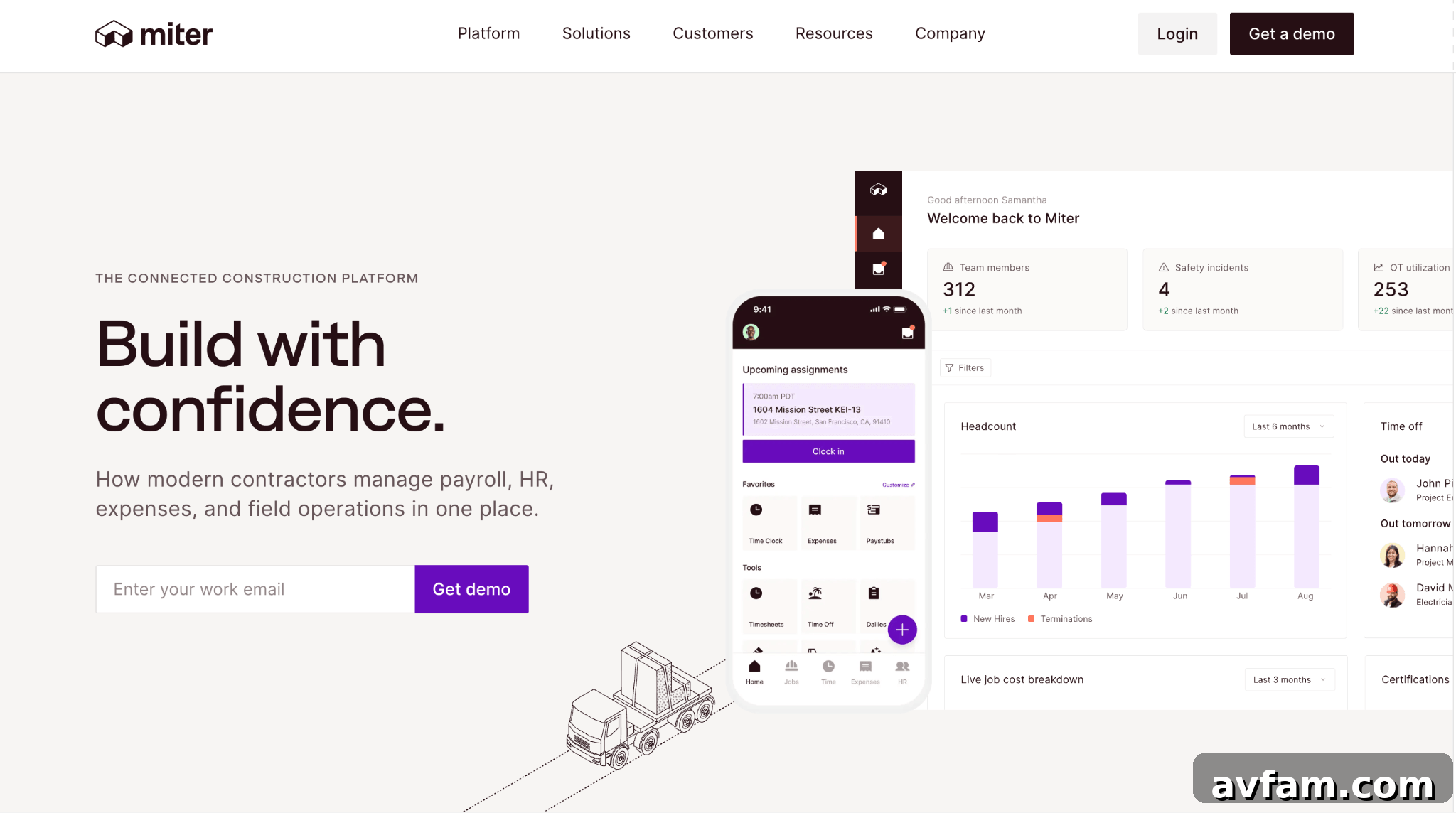
Miter is a payroll platform tailored to construction. It connects time entries to payroll calculations, certified payroll reporting, union compliance, and multi-state filings without manual transfers between systems.
Miter depends on accurate upstream time data; when time entries are clean, Miter delivers reliable job-level payroll and costing.
Key features
- Time-to-payroll: Time flows into payroll calculation without separate transfers.
- Job and cost code costing: Automatic allocation to jobs and cost codes.
- ERP integrations: Connects to NetSuite, Acumatica, and Sage Intacct.
- Compliance payroll: Supports union and certified payroll requirements.
Pricing
Typical pricing ranges from $15 to $50/user/month depending on modules and integrations; ERP implementations add cost and require customization.
Pros and cons
Pros
- Removes manual transfers between time tracking and payroll
- Automated job-level accounting and certified payroll output
- Single source of truth from field time entry to payroll reports
Cons
- Some app stability issues reported on mobile platforms
- ERP integrations and implementation can be costly
- No direct integration with every time-tracking vendor
Miter fits contractors who need built-in payroll compliance and job-level costing and are prepared for higher implementation complexity.
Buildertrend: Best for Small GC Budget Tracking Inside a PM Tool
Buildertrend is a project management platform for residential builders, remodelers, and small commercial GCs. Its budget module replaces spreadsheets for many small firms by tracking estimates, line-item budgets, and actuals in one place.
Buildertrend keeps cost management inside the PM workflow, giving visibility to project teams and clients without moving data between systems.
Key features
- Job budget tracking: Line-item actual-to-estimate comparisons updated as expenses post.
- Bid templates: Reusable templates speed up estimates for repeat work.
- Client portal: Owner-facing cost visibility without exposing margins.
- QuickBooks sync: Two-way with QuickBooks Online and Desktop options.

Pricing
Pricing is quote-based and depends on annual construction volume.
Pros and cons
Pros
- Integrated job cost visibility inside a PM tool
- Client transparency and reusable estimating templates
Cons
- No GPS-verified clock-in; live labor visibility is limited
- Time entries often require a separate integration for accounting-level labor data
Buildertrend is best for small builders who want budget tracking and client-facing visibility inside their project management platform.
BILL: Best for AP Automation and Vendor Payments
BILL (bill.com) automates accounts payable workflows: invoice capture, approval routing, and payments. It’s designed for teams processing many vendor invoices and subcontractor payments, streamlining approvals and reducing manual handling.
BILL is a back-office tool with no field crew capabilities or GPS time capture, so it complements tools that handle field data.
Key features
- Invoice capture and routing: Extracts invoice data and sends invoices through approval flows.
- Approval thresholds: Configurable rules to route invoices for manager sign-off.
- Accounting sync: Two-way sync with major accounting platforms.

Pricing
Plans start around $49/user/month and scale up to team and corporate tiers; enterprise pricing is custom.
Pros and cons
Pros
- Automates full AP cycle from capture to payment
- Configurable approval workflows reduce payment errors
- Syncs with major accounting systems
Cons
- No native job costing—coding often happens after sync in accounting
- Back-office only; no field-facing features or GPS
BILL is best for firms whose primary expense challenge is vendor invoice processing and subcontractor payments.
Emburse: Best for Employee Reimbursements and Receipt Capture
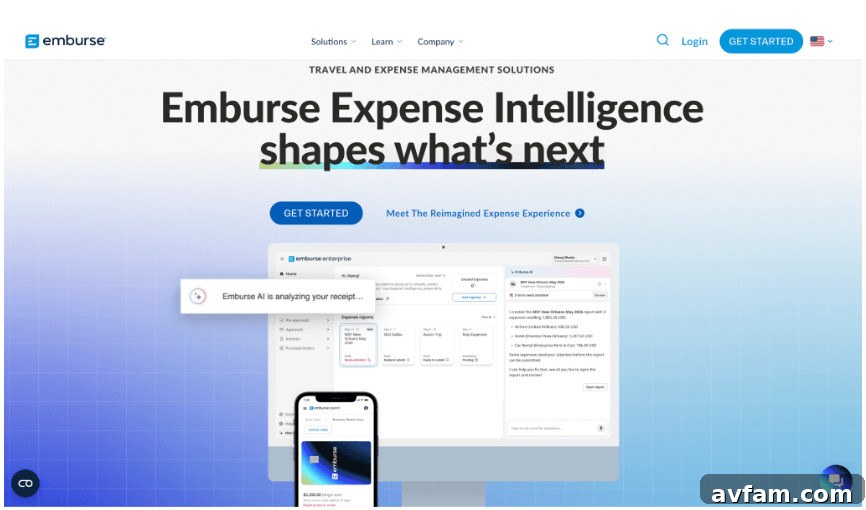
Emburse streamlines employee reimbursement and small purchase workflows. Crew members submit receipts via mobile; Emburse enforces approval policies and routes reimbursements for payout. It’s focused on out-of-pocket expenses rather than labor allocation.
Key features
- Mobile receipt capture: Field submission of receipts at point of purchase.
- Reimbursement workflow: Configurable approvals and policy enforcement.
- Project spend tagging: Tag expenses by project, client, or cost center for analysis.
Pricing
Pricing is quote-based; contact Emburse for a tailored plan.
Pros and cons
Pros
- Simplifies receipt collection and reimbursements
- Policy enforcement reduces unauthorized spend
- Project-level tagging supports spend analysis
Cons
- Does not handle labor cost allocation
- Project tagging is for spend analysis, not full job cost coding
Emburse is sensible for firms where petty cash and crew reimbursements are a frequent administrative burden and where a separate time-tracking solution already handles labor.
Autodesk Construction Cloud: Best for Large GCs Managing Project-level Cost Control
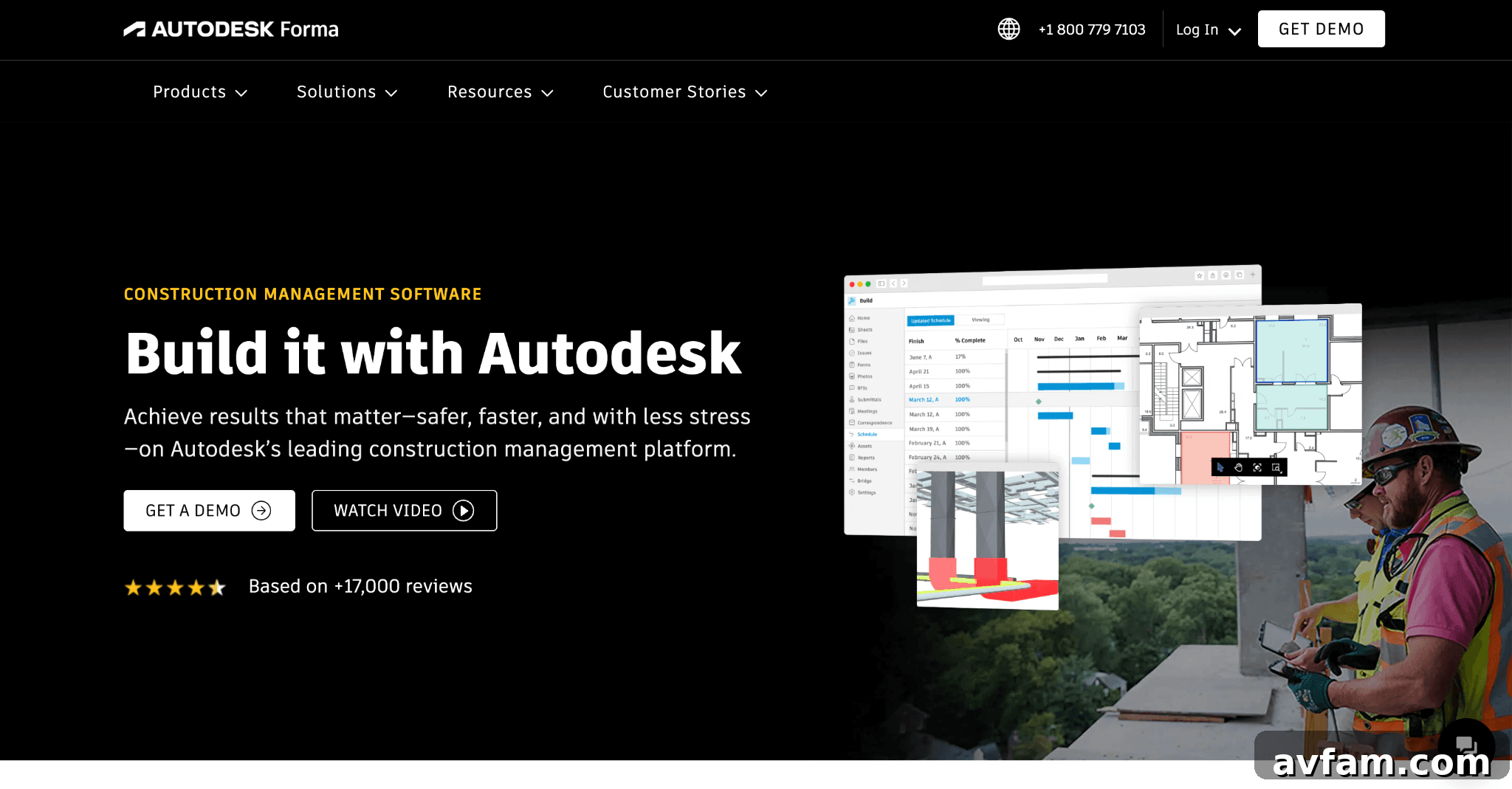
Autodesk Construction Cloud is designed for general contractors on large commercial projects. Its cost management focuses on committed costs—subcontracts, purchase orders, and change orders—tracking those commitments against estimates in real time.
Key features
- Budget tracking: Tracks committed costs, change orders, and actual spend versus estimate.
- Commitment log: Highlights variances between budget and commitments.
- Accounting integration: Connects with enterprise accounting systems like Sage and JD Edwards.
Pricing
Pricing is quote-based and varies widely with scope and user counts; contact the vendor for a custom quote.
Pros and cons
Pros
- Catches cost overruns while there’s still time to act
- Real-time budget tracking against original estimates
- Native integrations with enterprise accounting systems
Cons
- Requires dedicated operations support to implement
- Cost management is PM-facing and not built for field data entry
- Too complex and expensive for many small and mid-sized contractors
ACC is best for large GCs that need commitment-level control across multiple commercial projects.
Beam: Best for Residential Contractors Managing Finances and Expenses in One Platform
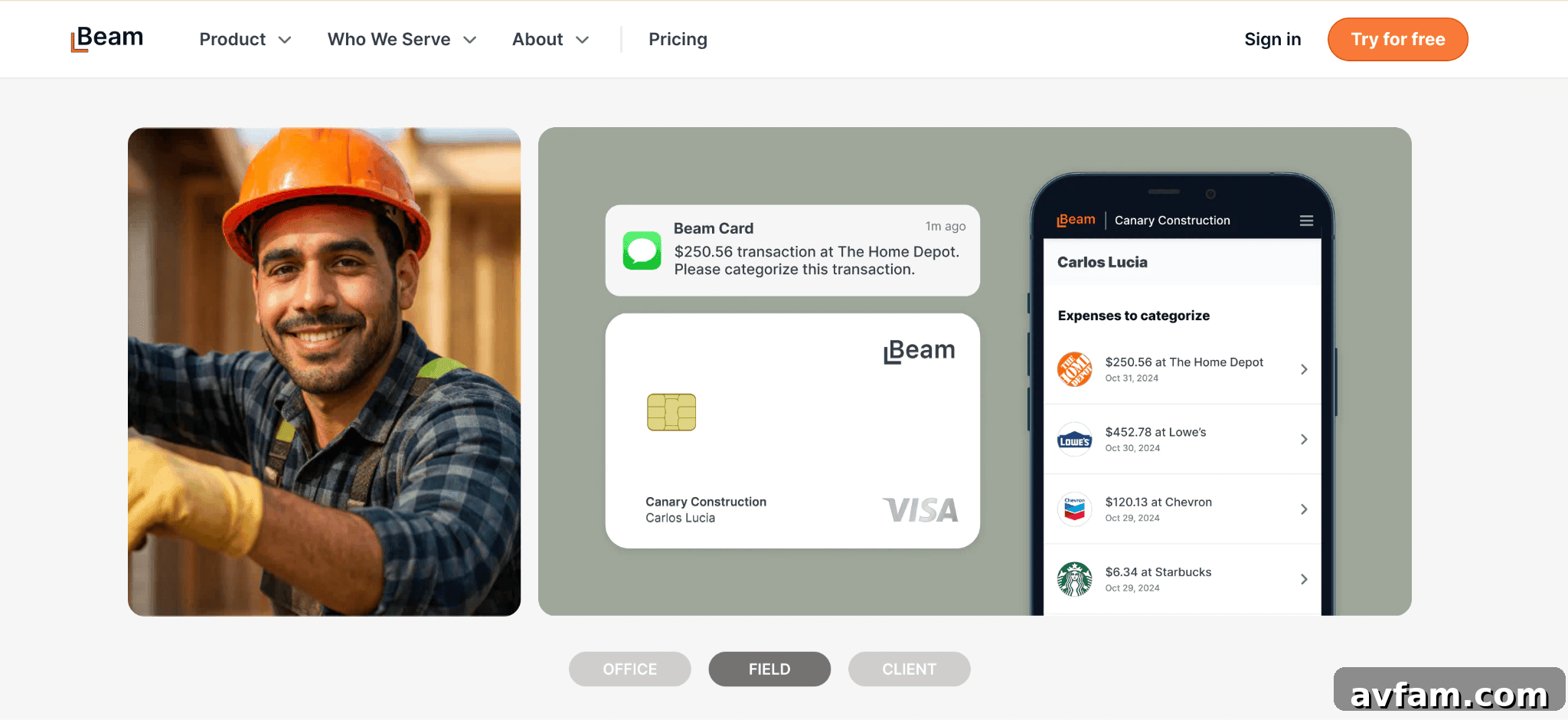
Beam combines estimating, invoicing, expense capture, job costing, and bill payment for residential builders and remodelers. It includes a Beam Card (Visa) that prompts cardholders to upload receipts and auto-assigns expenses to projects and cost codes. Two-way sync with QuickBooks Online keeps accounting data aligned.
Key features
- Beam Card: Charge card with receipt prompts and auto-categorization by project and cost code.
- Job costing: Estimate vs. actuals across bills, expenses, subcontracts, and time entries.
- QuickBooks Online sync: Two-way integration for firms that use QBO.
Pricing
- Core: Free
- Plus: $250/month (or $200/month billed annually)
- Scale: $500/month (or $400/month billed annually)
A 14-day free trial is offered.
Pros and cons
Pros
- Free starter plan with receipt capture and Beam Card
- Auto-assignment of expenses to projects and cost codes at point of purchase
- No separate accounting integration needed for QuickBooks Online users
Cons
- QuickBooks Online only; fewer integrations for other accounting systems
- Designed for residential and light commercial contractors
- Full job costing requires a paid plan
Beam suits residential builders and trade contractors who want integrated expense capture and job costing with a free entry tier.
How to Choose the Best Construction Expense Management Tool for Your Company Size
Selecting the right software starts with diagnosing the problem you need to solve. Evaluate tools on seven criteria that matter for construction expense management:
- Job costing depth: Can it allocate expenses to jobs, phases, or cost codes automatically at entry?
- Labor cost capture: Does it tie field hours to job costs directly, ideally with GPS verification?
- Accounting integration: How clean is the sync to QuickBooks, Sage, or ERP systems?
- Receipt and material tracking: Can field workers capture receipts tied to jobs at the point of purchase?
- Construction specificity: Was the product built for contractors or adapted from a generic finance tool?
- Mobile usability: Will field crews actually use the app without lengthy training?
- Pricing at scale: How do per-user costs scale with crew size?
Recommended pairings by crew size:
- Crews under 25: Start with a GPS time clock to remove manual time re-entry; receipts are secondary.
- Crews 25–100: Use one tool for labor (GPS time tracking) and one for receipts/expenses. Add payroll integration if needed.
- Over 100: Enterprise PM and cost management (e.g., Autodesk Construction Cloud) focused on commitments and change orders is typically appropriate.
What counts as a construction expense and how to track it?
Direct costs include labor (wages and burden), materials, subcontractor payments, and equipment rental; these should be tied to a job number before posting to the general ledger. Overhead (insurance, software, G&A) is allocated across jobs using a chosen method. GPS-verified time entry is the most reliable way to capture direct labor costs and avoid transcription errors that corrupt job cost reports.
Recovering cost without cutting scope
Unbilled or misallocated labor is a major hidden loss, particularly on T&M jobs where travel time and material runs go unbilled. Accurate capture—GPS time for labor and receipt capture for materials—lets contractors recover revenue without reducing scope. Most firms need two specialized tools to close both sides of the gap: one for field time and one for receipts and AP automation. When both are in place, bids reflect true costs, job margins improve, and estimates become more reliable.
FAQs
How do you manage construction expenses effectively?
Separate labor capture from material capture. Use GPS-verified time tracking to allocate labor to cost codes at clock-in, and use mobile receipt capture for materials tied to job numbers. In practice, two specialized tools—one for labor and one for receipts/AP—usually produce the best results.
What is the $2,500 expense rule, and does it apply to construction?
The de minimis safe harbor allows immediate expensing for items costing $2,500 or less. For construction, small tools and supplies often qualify. Confirm treatment with your CPA because rules vary by taxpayer and reporting method.
What construction costs can be expensed for tax purposes?
Ordinary and necessary business expenses—materials, subcontractor payments, labor, and equipment rental—are generally deductible. Timing and classification depend on your accounting method, so accurate categorization at purchase supports clearer year-end records.
Sources
- Workyard analysis of 280 contractor discovery calls (2026).
- Workyard customer case studies and savings examples (2026).
- U.S. Bureau of Labor Statistics, construction labor productivity analysis (public sources).
- Internal Revenue Service guidance on tangible property rules (public sources).
Author bio: Rouselle Isla writes about construction tech and financial tools at Workyard, helping contractors get a clearer picture of their expenses and protect their bottom line.